Thanks Joanie for your generous spirit!
Great job Julie on your very productive weekend!
|
At my Spring Weekend Crop, Julie and her friend Dawn attended together. They were both joining the crop to have time with friends and checking out different crafts to find out what was their "thing." Julie brought some coloring books and a latch hook kit. She wasn't really enjoying the latch hook kit. Another attendee, Joanie Knight, noticed her frustration. She offered to teach them how to make cards and they said yes. So, the next day they started their day with an impromptu card making class. Joanie was so gracious with her knowledge, supplies, and tools. Her students were ecstatic and Julie found her "thing." She had so much fun the rest of the retreat making cards. Yeah!!!
Thanks Joanie for your generous spirit! Great job Julie on your very productive weekend!
0 Comments
Do you use Facebook to store your photos?
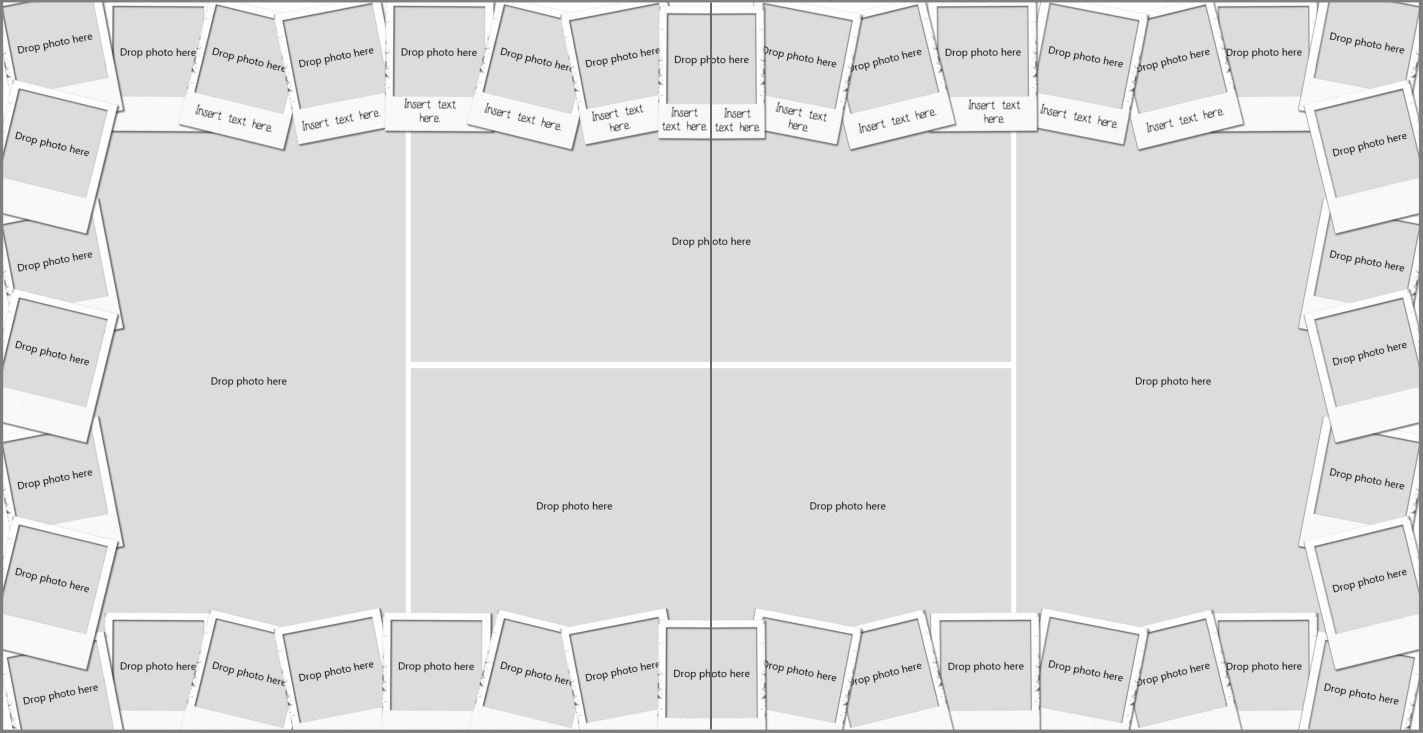
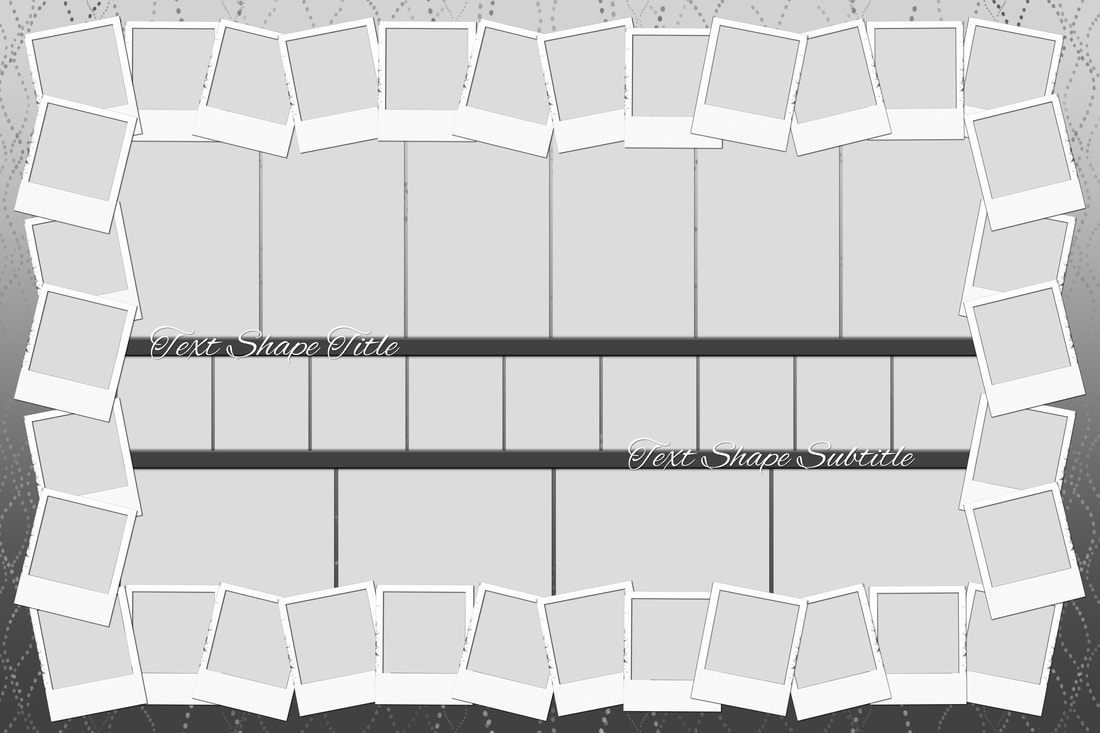
I love to share photos on Facebook, but it is not my photo storage solution. I have had entire albums of photos get deleted by Facebook. Recently, I met two people who had their accounts hacked by someone & then the hackers started posting terrorist propaganda on the person's Facebook page. All of a sudden, they were banned from Facebook and their account was closed. What does this mean? Well besides missing out on being connected with friends and family... it also meant that they lost all their photos stored in their account. Facebook wouldn't let them in to get their photos. Please consider FOREVER permanent storage to back up your photos. https://www.forever.com/ambassador/robynfoss/preserve-and-share FOREVER Storage: Creating an account, connecting with Friends & Family, and sharing albums.2/26/2023 I am so proud of all of my clients who are uploading photos, movies, and more to their account, adding the story, and organizing. Here is a video and three handouts to help you get your family and friends connected. Sometimes when you are working with group photos it is easier to just use manual face tagging. This way you don't have to reply to each face you want to ignore. Open the group photo in Historian 6. On the Image Ribbon, in the Image Section, left click on Face. Move your mouse pointer in between the eyes of the face you want to tag and then drag your mouse to the right until the square covers the face. Pop up menu appears. Click "select to add a face." From the drop down menu, you can either add a new face tag or select from a list of existing face tags. Using this method, you can tag the few people you want and ignore the rest. 5 step handout and a 5 minute video to show you how to create the look below. Enjoy! Puzzles are on sale right now and I wanted to make another one using Artisan 6 this time. Working with blank page in Artisan 6 can be pretty daunting. So, I decided I wanted to use a template with lots of photos openings. I decided to use my template MOBOT Polaroid. I pulled the template into a 12x12 project. Then I selected all the elements on one side of the layout, grouped them, copied and then pasted into the puzzle project. I repeated those steps with the right side of the layout. Then I aligned the two sides, grouped together and resize to fill the space of puzzle. Since I wanted more photos in the center of the layout, I resized the photos and created three rows. The top row had 6 (portrait) photo openings - approx. 4x6. The second row had square photo openings and when I resized them to fit inside polaroid frames which made them narrower than I initially wanted. They ended up measuring 2.558 W x 2.84. That row had 9 photo openings. The bottom row were 4 landscape photo openings - measuring approximately 6x4. After I added the photos I realized I wanted some separation between the rows, so I created some trim pieces by adding a rectangle with a 3D bevel edge effect applied. It was a little over 24 inches wide and 1/2 inch in height. I put the title on top of the strips to make it more visible. Completed puzzle design.I am super excited to see how it turns out. I plan to create a video showing this process for those of you who learn better from a video. :) I was looking through blueprints and found the one I wanted to play with. It is called Shrimp & Grits and was released in December 2019. I will use this template to create a puzzle when I do the video demo. TIP: When getting ready to create a puzzle, I found it helpful to go through my photos and pick my favorites. Then, I only brought in those pictures to play with.
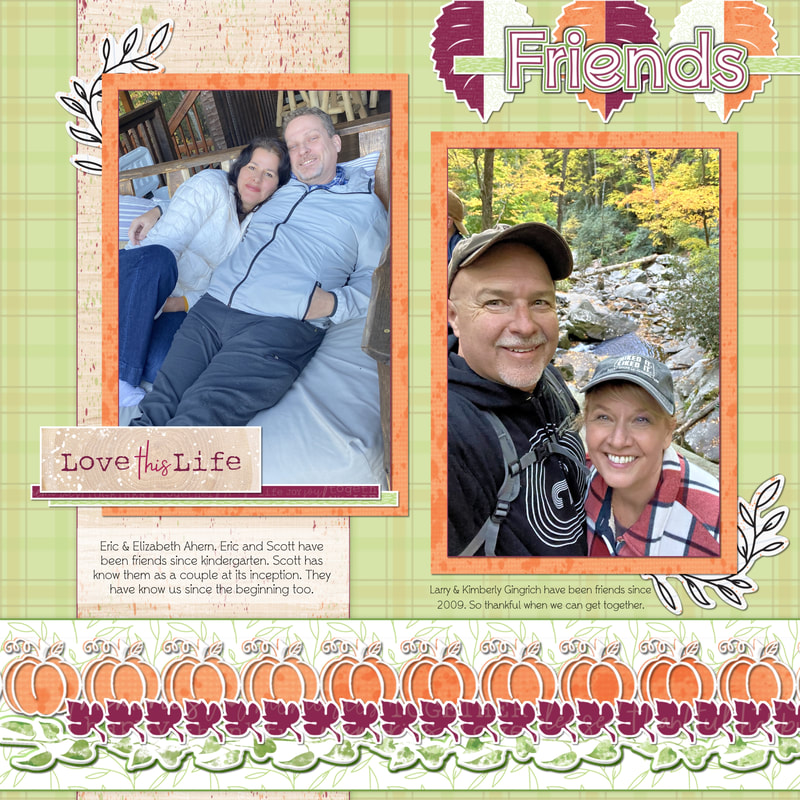
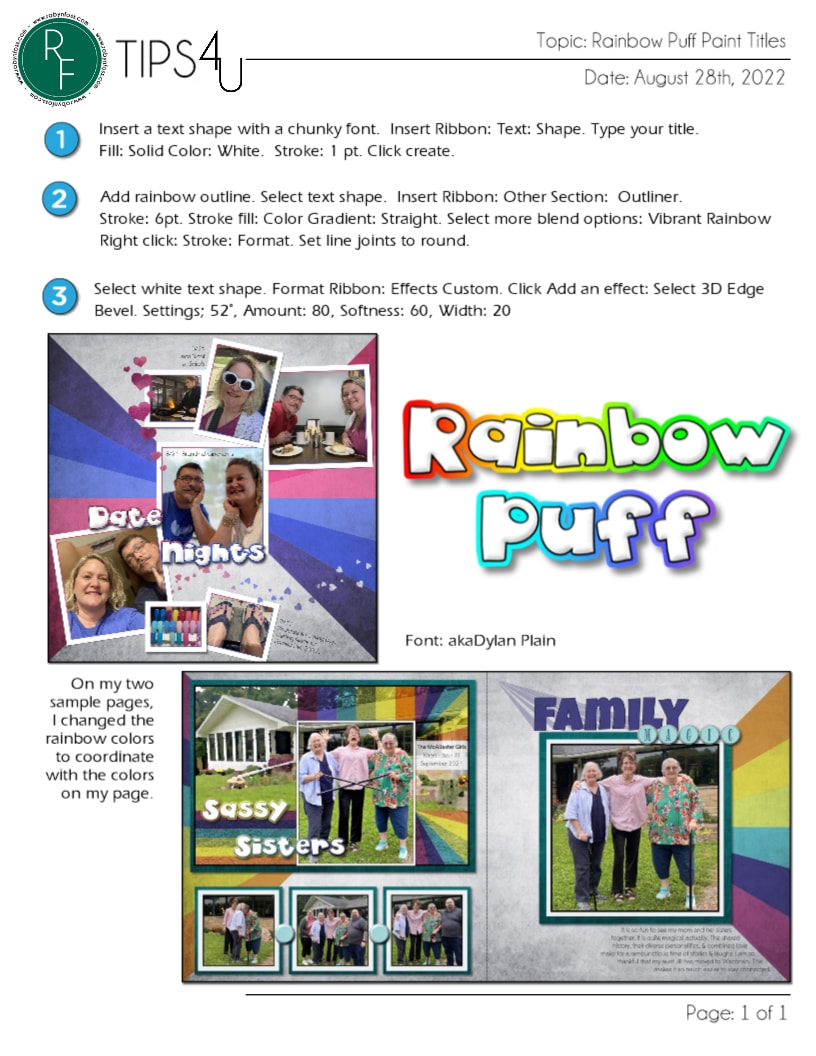
While I was creating the above page, I added the title on the bottom left and wanted to add more color to the page. In the process of figuring this out, I came up with the technique separated titles. In the close up images below, you can see on the left the title is just yellow. On the right, I have added a section that is pink and have applied the 3D bevel edge effect.
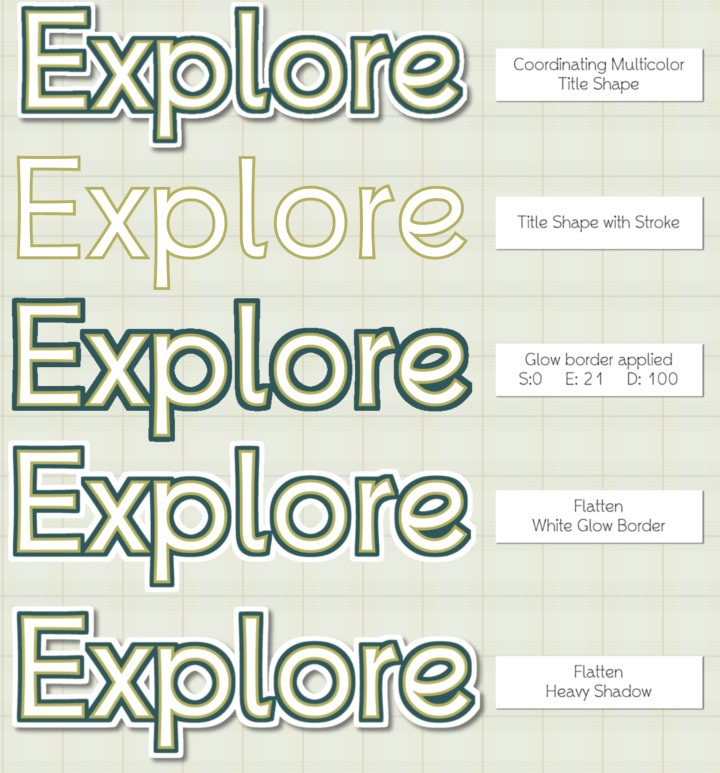
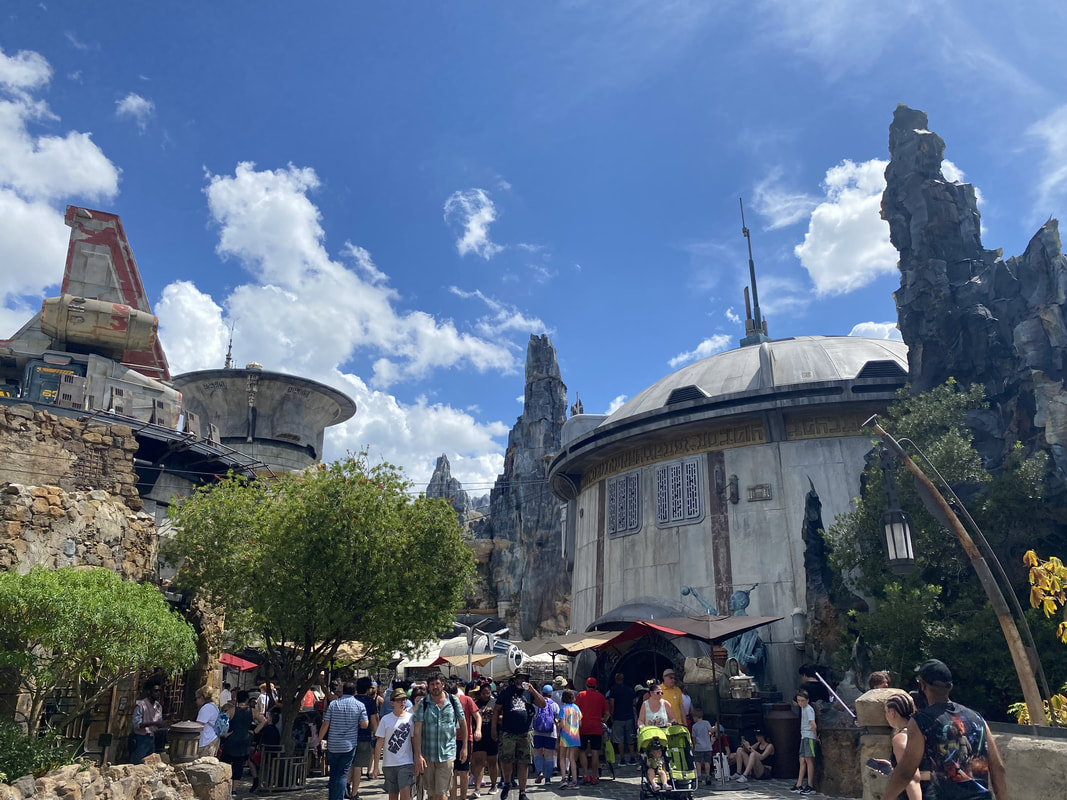
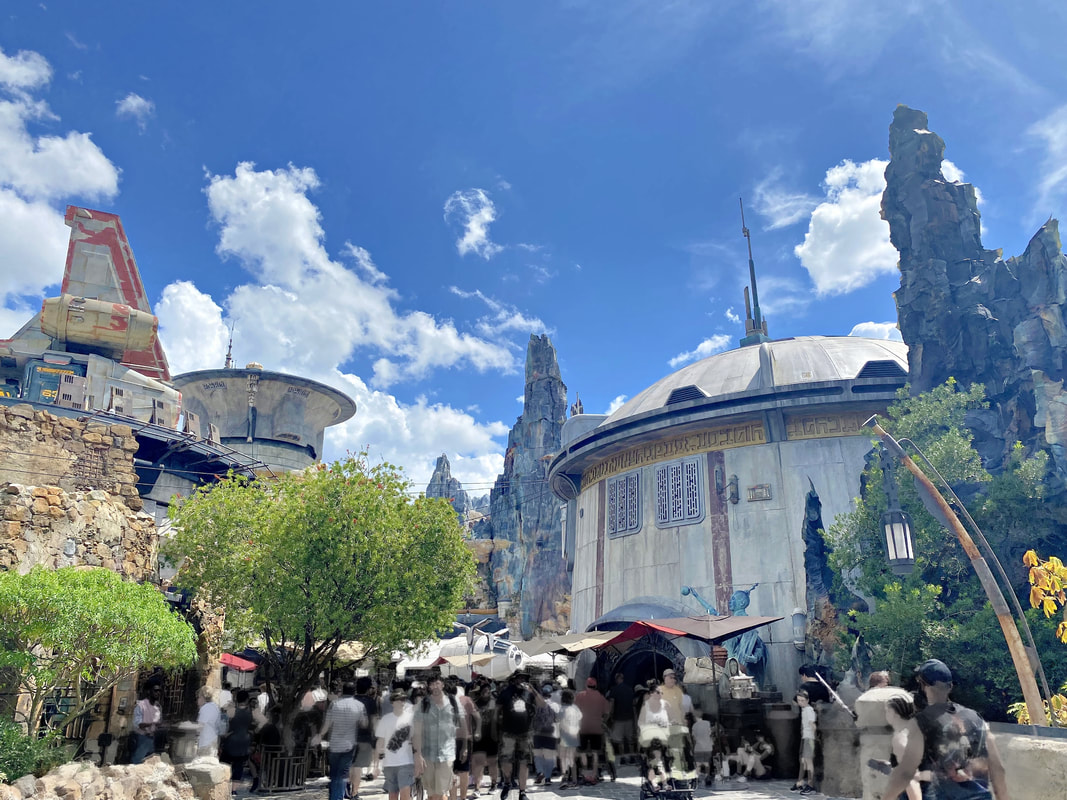
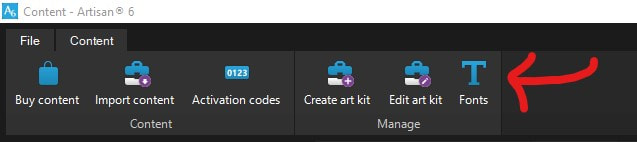
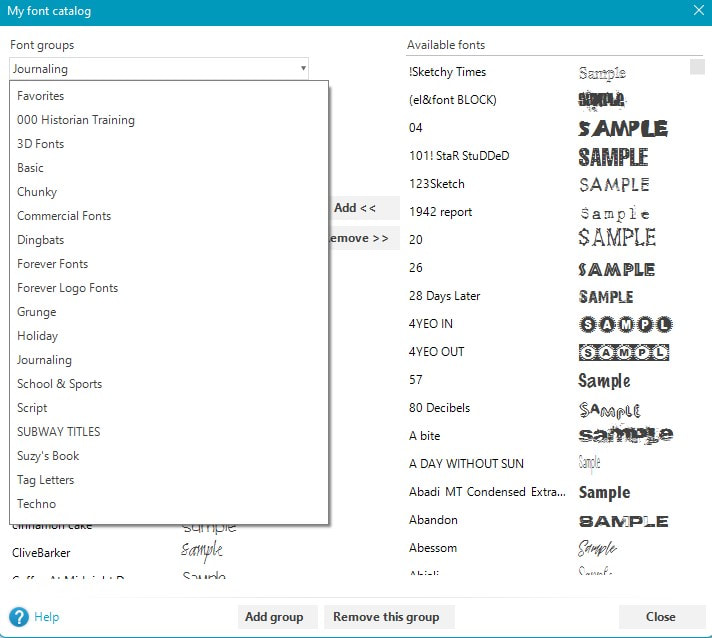
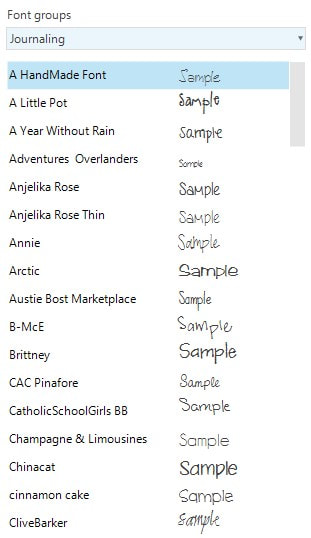
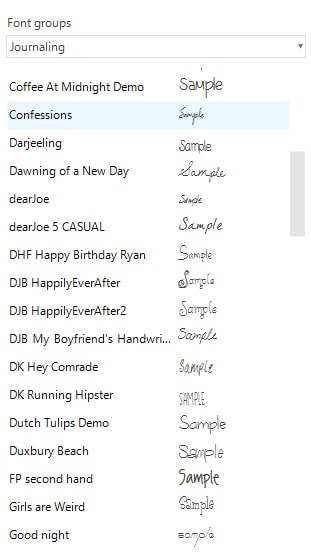
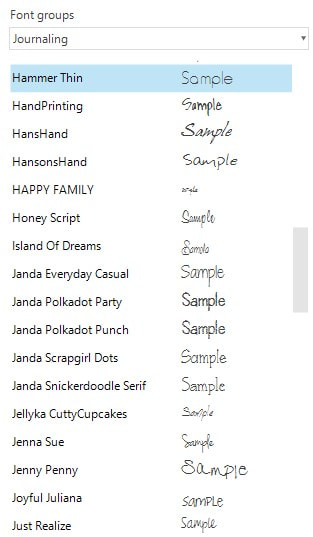
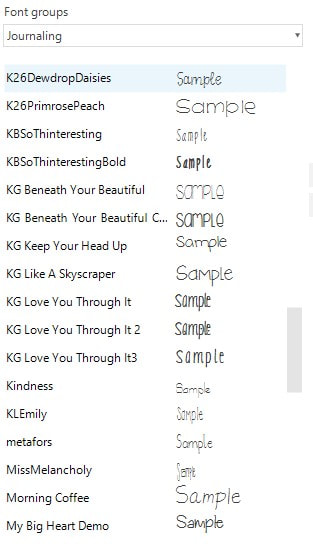
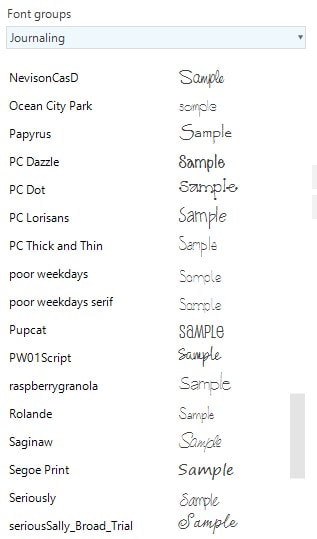
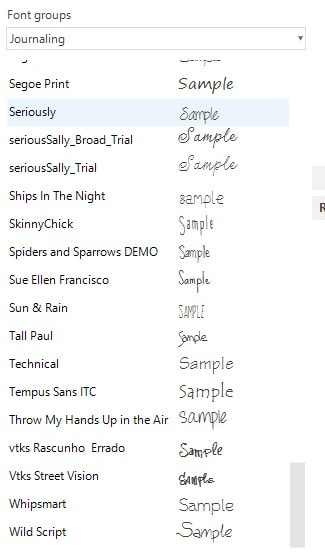
SamplesAll fonts can be found on dafont.com. Check out a fun idea for titles on your pages using a text shape, a stroke, glow border, flattening, & a shadow. There are many things that I do to improve the appearance o my photos. Sometimes I edit them to improve the color and others to remove blemishes. In this particular photo I loved the otherworldly feel of the Galaxy's Edge area of Disney's Hollywood Studios Park. I didn't really love seeing all the people in their brightly colored summer wear. So, my goal was to remove them as a distraction without having to clone them all out. I went to the Adjust Ribbon in the Historian image editor. I used the Lasso selection tool to select the bottom of the photo. I applied the rough painting filter and blur to the selected area. Then I went to the Touch Up Ribbon and applied the Decrease Color brush. Finally, I did some additional blurring using the Blur brush on the Touch Up Ribbon. When I get to adding this to a page, the bottom of the photo won't be pulling attention away from the cool atmosphere of Galaxy's Edge. BeforeAfter |
AuthorI've loved photography all my life. Have been making photo albums since high school. I love helping people do something memorable with their photos. Have so much fun planning workshops for people to get together and work on their photo projects, share stories and fellowship. Looking forward to making this even easier with new products that will make it a snap to finish. Archives
July 2025
Categories
All
|